ChatGPT Images 2.6: your logo animated as a GIF with one sentence
ChatGPT Images 2.6 creates looping GIFs from text, a photo, or a sketch and saves reference images. What it does and how to use it.
ChatGPT Images 2.6 is the update OpenAI launched on November 4, 2026 that creates looping animated GIFs from text, a photo, or a sketch. It used to take a video editor to animate your logo; now you type one sentence to ChatGPT and it hands you back a GIF. It also saves reference images you can call with an at sign in any chat.
What is ChatGPT Images 2.6
It's the new version of ChatGPT's image generation, available in ChatGPT and Codex since November 4, 2026. The idea behind it: nobody should wait hours to make a drawing move.
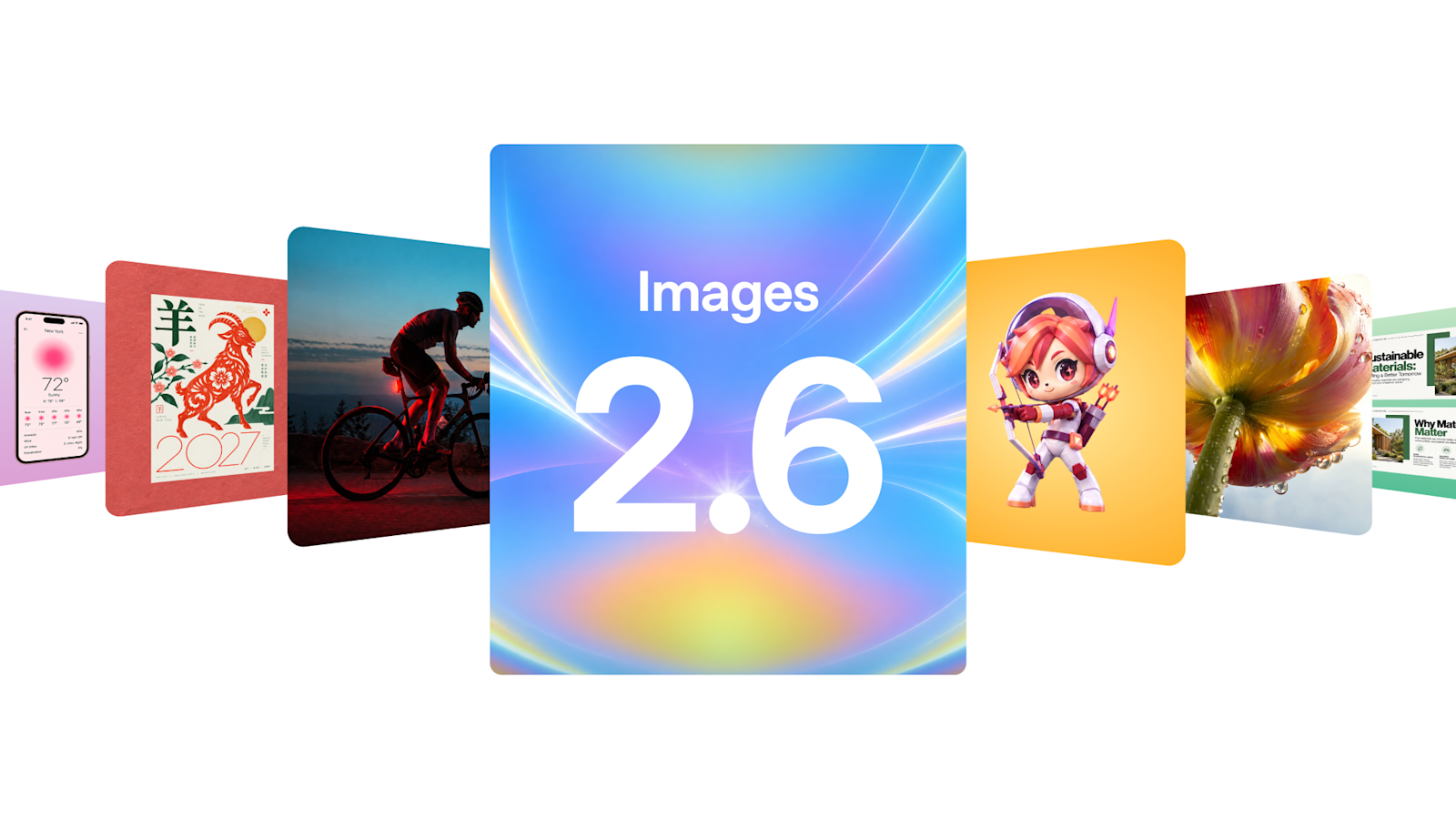
What ChatGPT Images 2.6 does
Here are the three things that stand out, plus a fourth almost nobody notices:
- It creates a looping GIF just from a description, based on text, a photo, or a sketch.
- It animates your sketch, for example until it waves hello.
- It saves your photo as a reference and you call it with an at sign in any chat.
- It isn't fixed: you change the speed of the GIF.
The feature almost nobody notices is the saved reference images: instead of re-uploading your photo or logo every time, you call it with an at sign.
How to apply it in your business?
If your business uses a logo, a mascot, or banners, this lets you go from a still image to motion without booking a designer. A good starting point:
- Save your logo as a reference image so you can call it with an at sign in any chat.
- Ask ChatGPT for a looping GIF with a short sentence describing the motion.
- Adjust the speed until it looks right and send it to your client the same day.
- Replace your static banners with animated versions and compare which perform better.
If you're interested in another tool that generates AI images inside the workflow, read the full breakdown of GitHub Copilot generating images in VS Code.
Frequently asked questions
What is ChatGPT Images 2.6?
OpenAI's image generation version in ChatGPT and Codex, launched November 4, 2026, which now creates animated GIFs.
What can it create a GIF from?
From text, a photo, or a sketch.
Can I save my logo?
Yes: it saves reference images and you call them with an at sign in any chat.
Can I change the GIF's speed?
Yes, you change the speed.
Conclusion
ChatGPT Images 2.6 turns one sentence into a looping GIF and lets you save your reference images to reuse them. Instead of waiting on a designer, you can send your client the animated logo today. Tell us what you'd animate first and we'll show you how to ask, and send this to anyone still using static banners.